Dialogues
Dialogue is text that appears on screen for players to read.
Steps:
- Inside a node (after the
---line), write text directly - Press Enter to create a new line of dialogue
- Add
CharacterName:before dialogue to show who is speaking
Example:
title: Start
---
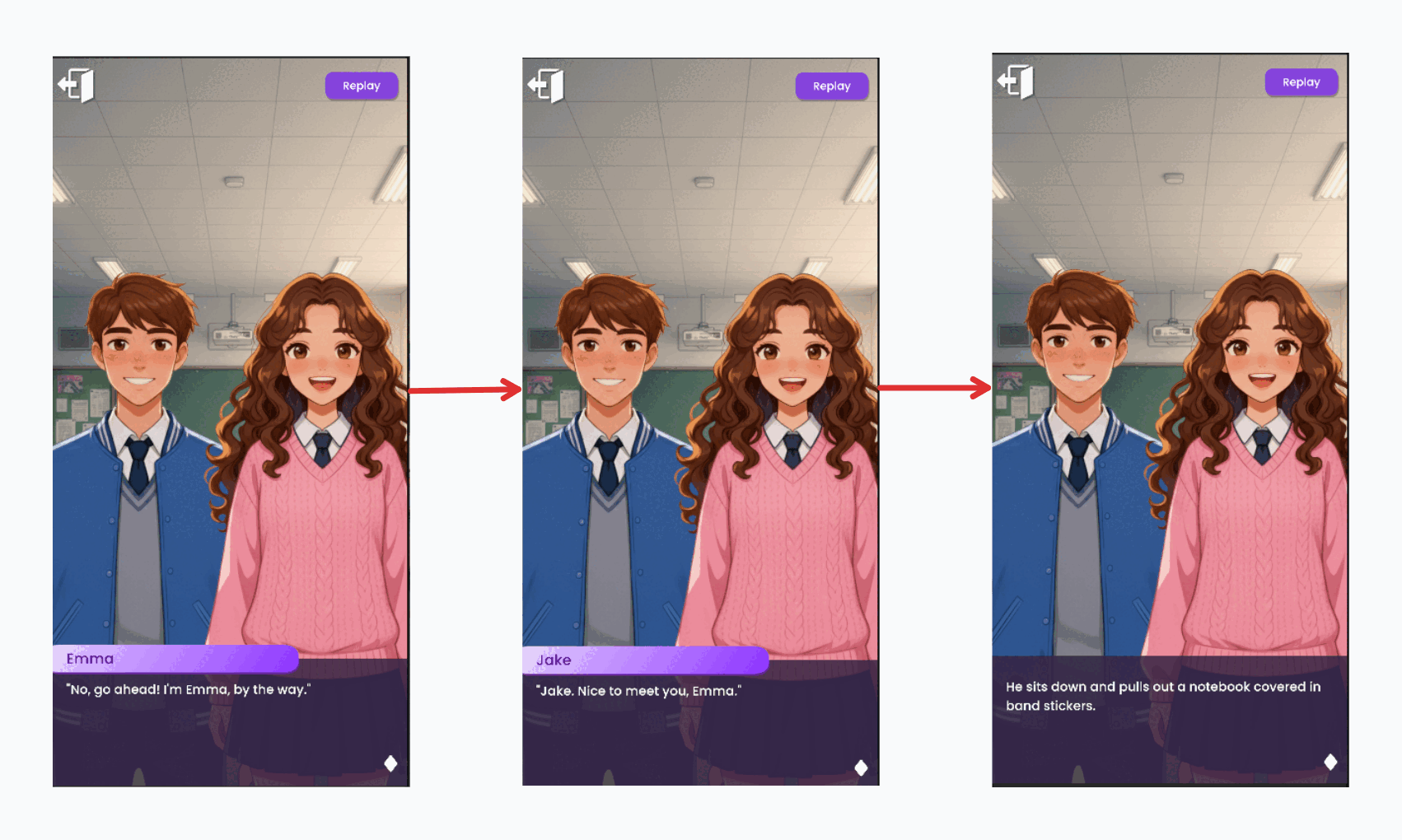
Emma: No, go ahead! I'm Emma, by the way.
Jake: Jake. Nice to meet you, Emma.
He sits down and pulls out a notebook covered in band stickers.
===
Each line appears one at a time as players click to continue.